The Bored Button
A downloadable game for Windows
Press a button. Get something to do. Repeat.
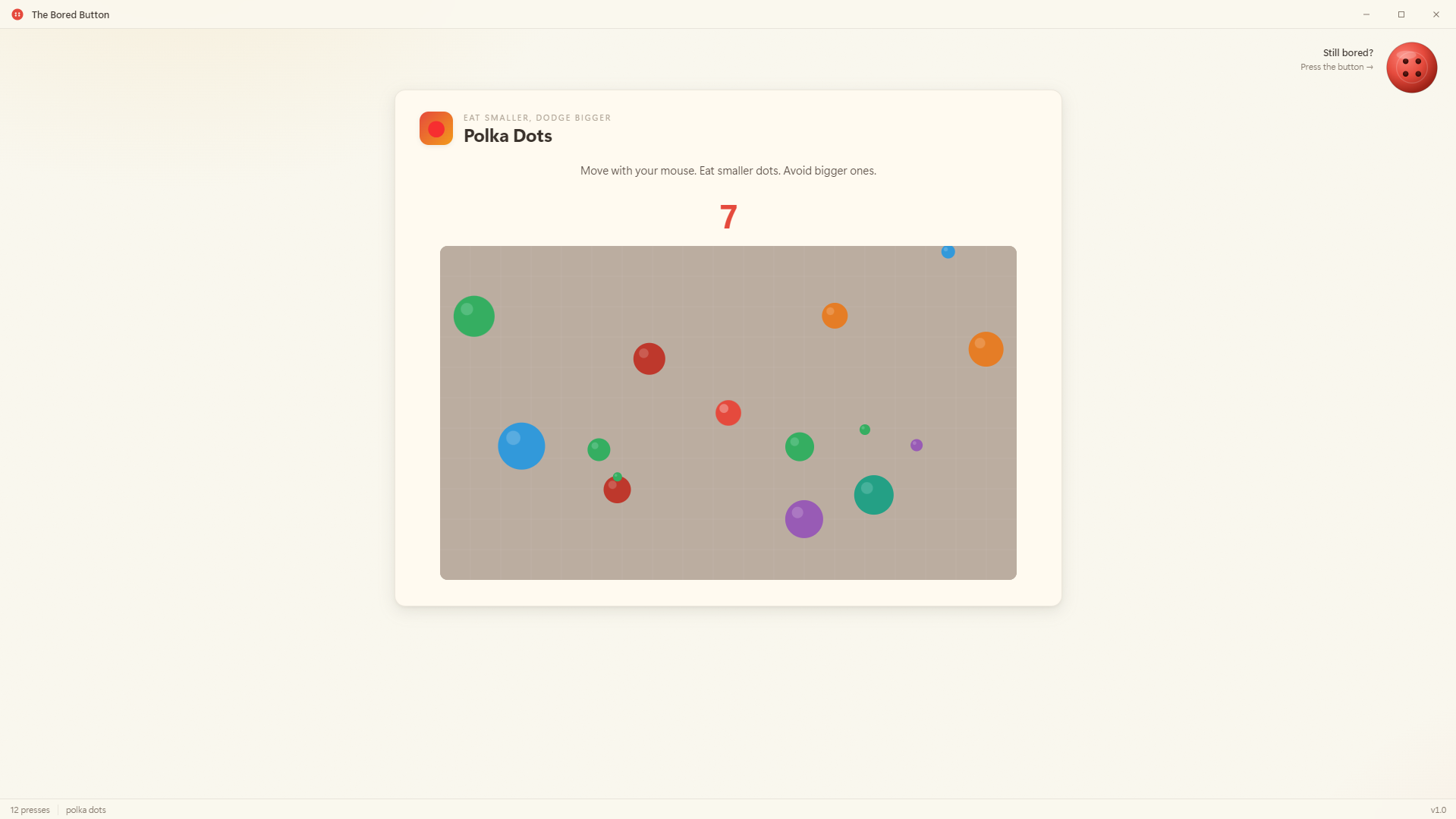
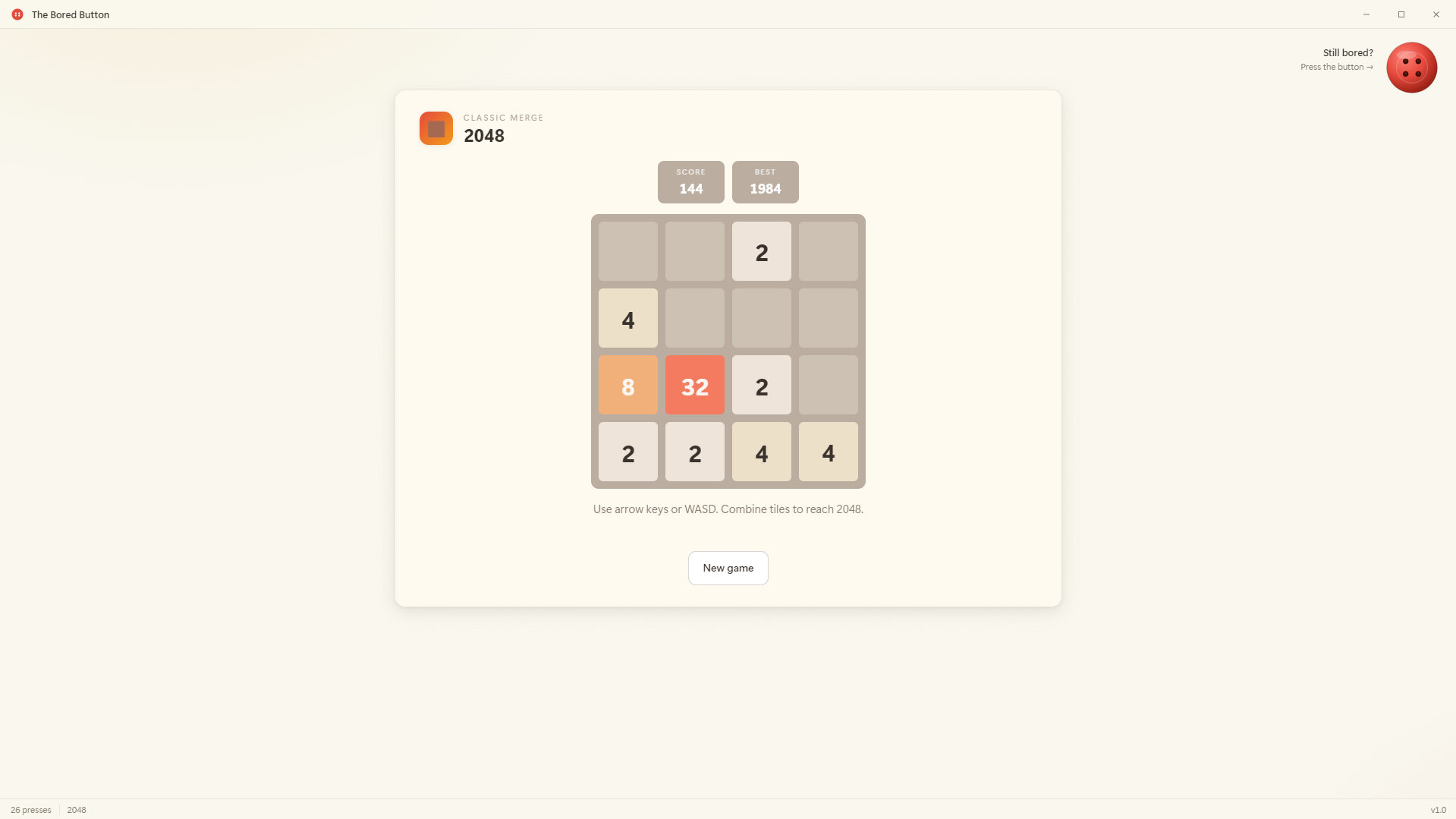
The Bored Button is a tiny Windows desktop app with one job: kill 5 minutes (or 50) when you can't decide what to do. There's a big red button in the top-right corner. Press it. A random activity loads. Repeat.
113 activities pulled from a shuffled bag — every press gives you something new, and nothing repeats until you've seen everything.
What's inside
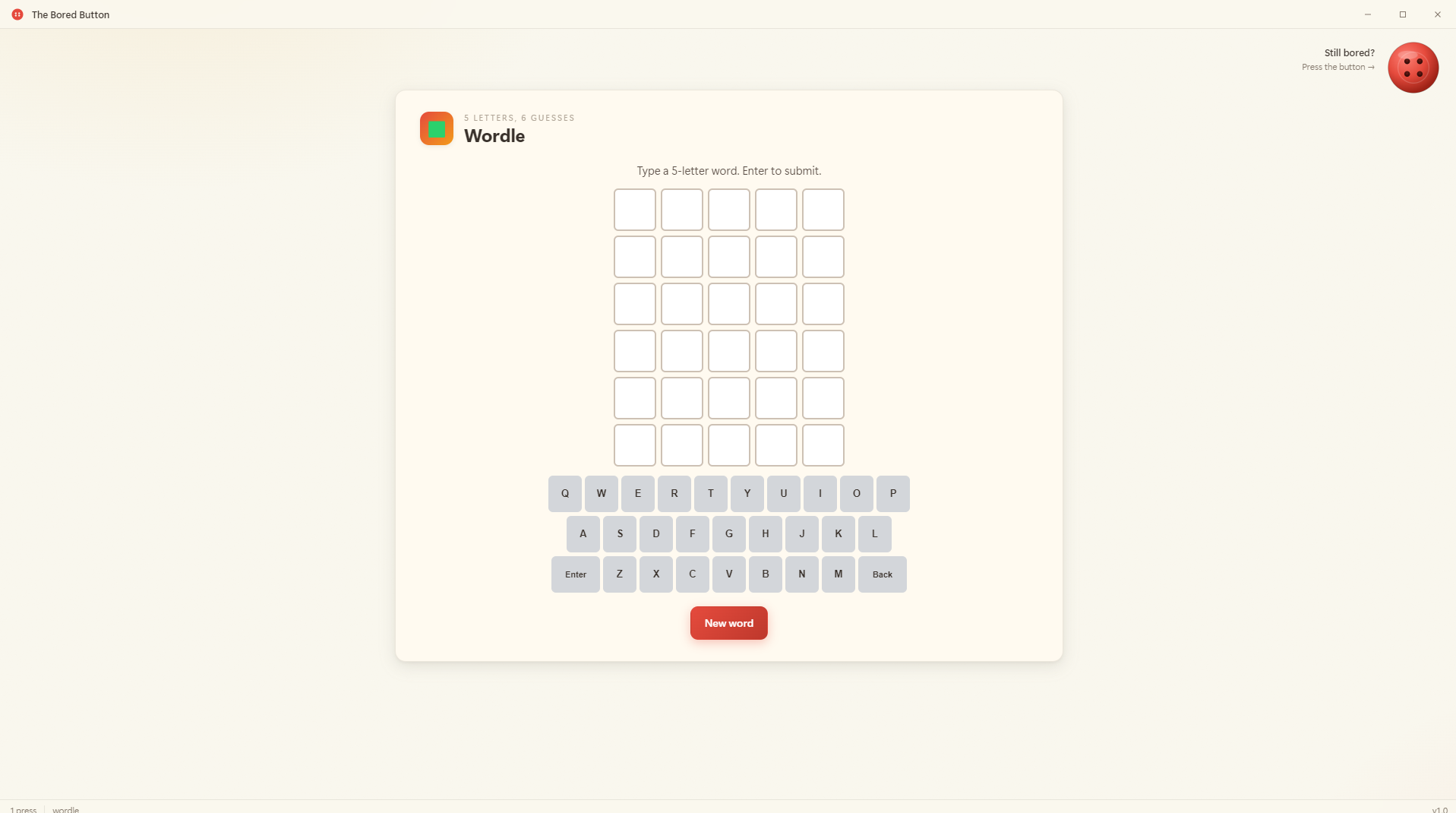
🎮 Real games — 2048, Snake, Tetris, Wordle, Pinball, Bubble Shooter, Flappy, Frogger, Connect 4, Minesweeper, Sokoban, Tower of Hanoi, Ultimate Tic-Tac-Toe, Air Hockey, Asteroids, Pong, Doodle Jump, Cave Flyer, Tank Lobber, and more.
🧠 Brain teasers — 15-puzzle, Lights Out, Sudoku, Mastermind, Schulte table, Stroop test, anagram hunt, memory numbers, hangman.
⚡ Reaction tests — aim trainer, reaction time, color reflex, Hexagon Dodge, bullet hell, slap-the-fly, click-in-order, reflex reverse.
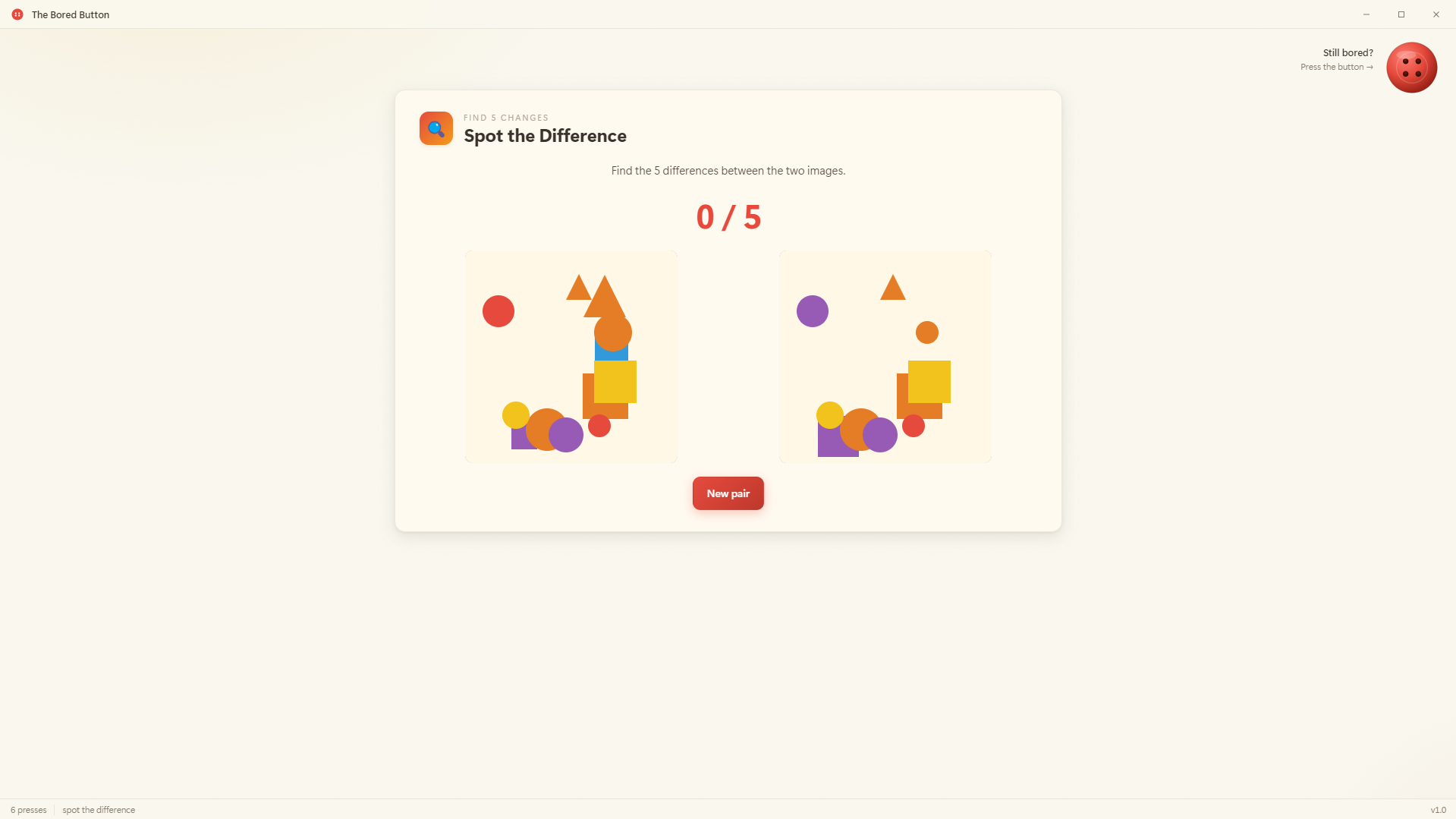
🫧 Oddly satisfying toys — bubble wrap, falling sand, Newton's cradle, spirograph, water ripples, gravity wells, particle trails, aquarium, bouncing DVD logo, marble maze.
❓ Quizzes — trivia, movie emojis, flag quiz, world capitals, guess-the-year, emoji phrases.
🎲 Luck & chance — slot machine, roulette, Plinko, scratch cards, Press Your Luck, cup shuffle.
🎨 Creative prompts — color palette roll, three-word story, story starter, drawing prompt canvas.
🤷 Useless little tools — Magic 8 ball, roast generator, excuse maker, decide-for-me, weird-web rabbit hole.
Why?
Zero decisions, maximum distractions. The whole appeal is letting the button choose — instead of staring at your screen wondering what to play, you just press and go.
How to run
Unzip the portable build, double-click TheBoredButton.exe. No installer, no internet required, ~110 MB. Best scores save locally.
Download
Install instructions
How to run
- Download
TheBoredButton-v1.0-Portable.zipand unzip it anywhere (Desktop, Documents — wherever). - Open the unzipped folder and double-click
TheBoredButton.exe. - That's it — no installer, no setup, no admin rights needed.
Requirements
- Windows 10 or 11 (64-bit)
- ~250 MB of free disk space
- No other libraries, runtimes, or downloads needed — everything is bundled.
Uninstalling
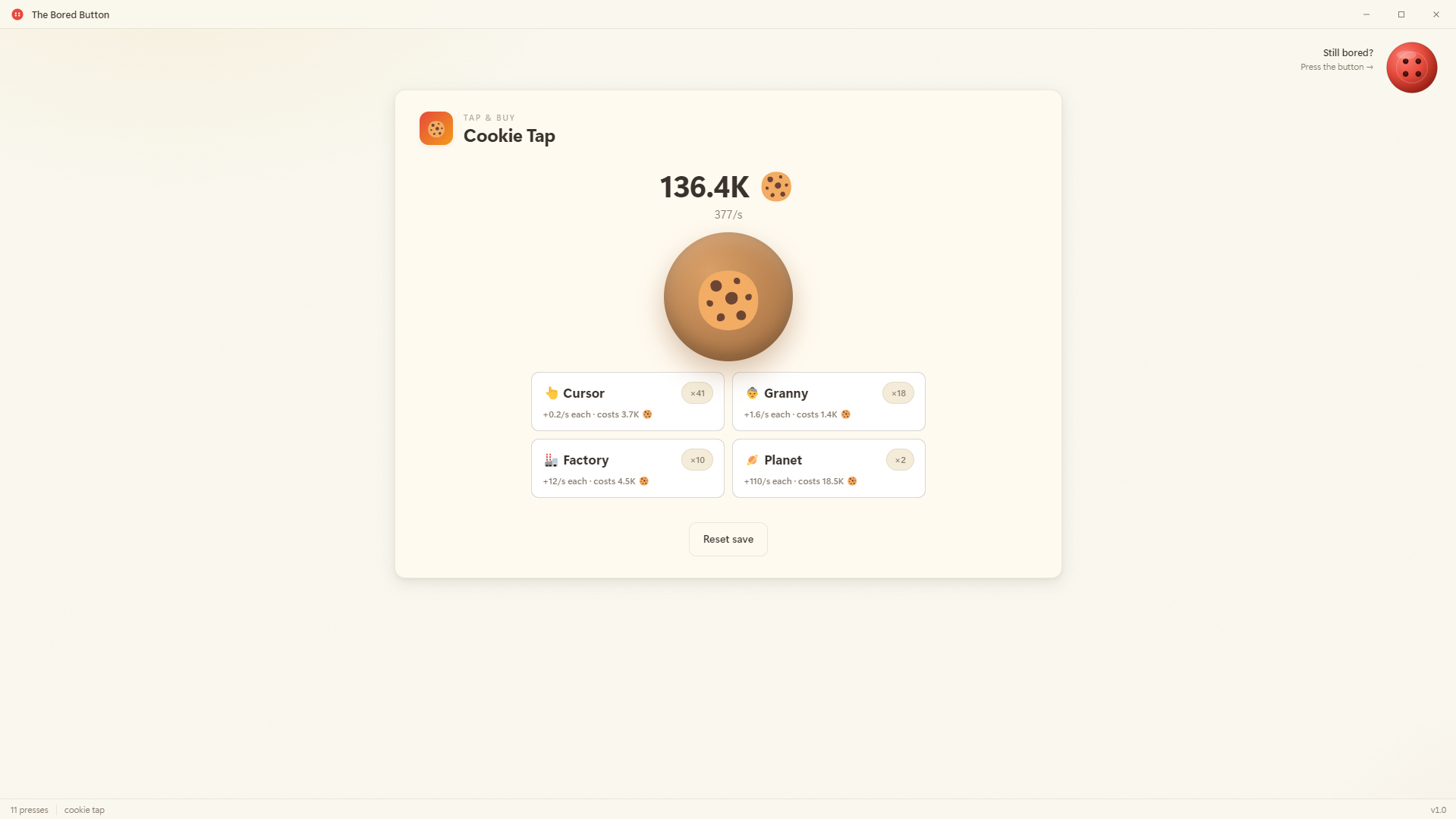
It's portable. Just delete the folder. Saves (best scores, cookies, etc.) live in %AppData%\TheBoredButton — delete that folder too if you want a clean wipe.
Leave a comment
Log in with itch.io to leave a comment.